
DTF gang sheet builder
Gang sheets built from your orders, not by hand.
How it works
- Set the film width, gap and whether pieces may turn
- Build: every released file is laid out, the same layout every time
- Download the sheet PDF and a cover list of orders
- Mark sheets printing and printed
Why build gang sheets from your orders
Laying out a DTF gang sheet by hand takes time every day. Someone opens each order, finds the right file, checks the size, drags it onto the film and hopes nothing was missed. The Dyenzo gang sheet builder does that job from the orders themselves. Every approved print file for DTF goes onto a sheet at its true size, and the sheet comes with a list of which order each piece belongs to.
Set it up once per method
Gang sheets are set on the decoration method, so a shop with more than one DTF printer or film size can set each method apart. The DTF preset fills in sensible values to start from.
| Setting | What it means |
|---|---|
| Sheet width | The printable width of your film, in mm |
| Maximum length | How long one sheet may run, up to 5 metres |
| Gap | The space left between pieces, for cutting |
| Turns | Whether a piece may be turned 90 degrees to fit better |
How a build works, step by step
- Artwork is approved and the print run for the order is checked and released in pre-press.
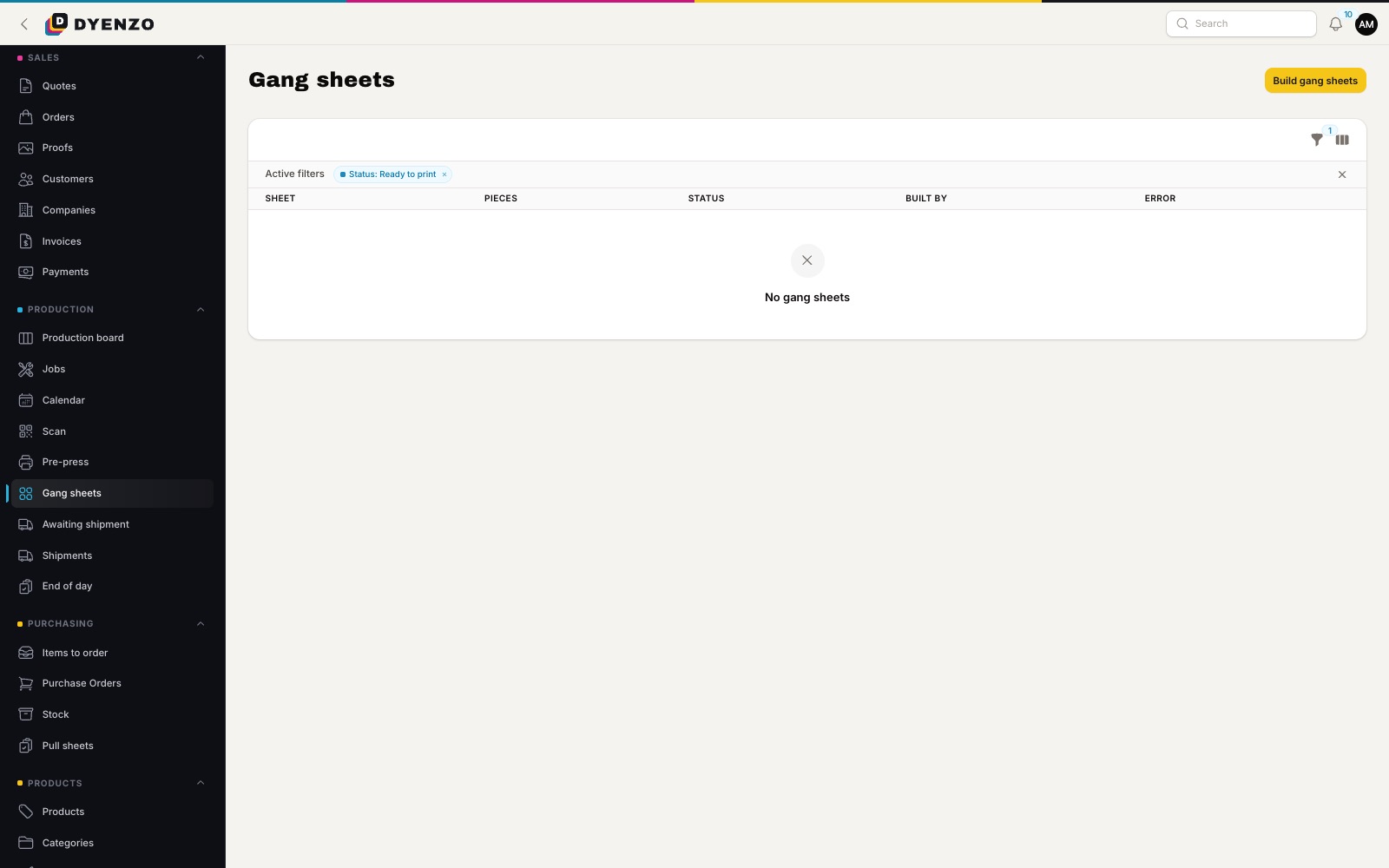
- In Production, open Gang sheets and press Build for the method.
- Dyenzo takes every released print file that prints with that method, on open orders that have not shipped, once for every piece needed.
- Pieces are packed with MaxRects, largest first, with your gap between them. The same files always give the same layout.
- A piece too big for any sheet is reported, not quietly dropped.
- Each sheet is made as a PDF at its exact size, with a cover list of orders, order codes, file names and pieces.
Rebuild without losing track
Orders arrive all day, so you can build again whenever you like. A new build replaces the sheets that have not been printed yet. When you send a sheet to the printer, mark it printing: from then on a rebuild leaves it alone, and its pieces stay off new sheets. Mark it printed when it comes off the printer. Pieces already on a printed sheet are never ganged twice, so a reprint is a decision, not an accident.
Only what you make yourself
Lines you send to a print on demand partner or another shop are left off your sheets. If a line is moved out after a build, the unprinted sheets that held it are replaced. Files kept as PDF are counted as skipped so you know to place them yourself; PNG and SVG files are laid out.
Small files, fast to print
When the same design prints many times, the sheet holds the file once and places it at every position, so the PDF stays light. A very large build is split across sheets so each one stays a sensible size for your RIP.
What happens next
With hot folders set up on a station, ready gang sheets can go straight to that station's folder instead of being downloaded by hand. The cover list goes on the bench with the printed film. Each order code on the list matches the code on the order paperwork, so whoever presses the transfers knows which bag each piece goes in, and the job moves on through the production board to packing and shipping.
Questions
Does it work with any DTF printer?
Yes. The sheet is a PDF at its exact size, which your RIP software opens like any other file.
Can I still add a customer's own gang sheet?
Yes. A file you place by hand still prints as normal. The builder only lays out released print files from your orders.
Will pieces be rotated?
Only if you allow turns for the method. Then a piece may turn 90 degrees when it fits the film better.
Dyenzo is opening to its first print businesses
Write to us for early access. Tell us what you print and which modules you need.